
The Power of SentinelOne + Cynomi
Endpoint Detection and Response + Vulnerability Management
Cynomi connects to both SentinelOne Singularity Vulnerability Management and SentinelOne EDR, converting endpoint and vulnerability findings into structured assessments, prioritized remediation plans, compliance progress and client-ready reporting. If you’re an MSP or MSSP supporting managed SentinelOne clients and want to standardize and scale your cyber advisory, compliance and security program management services – this is for you.


The Problem You Already Know
Delivering security services starts with good data. MSPs need continuous visibility into vulnerabilities and endpoint posture across every client – and a way to turn those technical findings into prioritized action, measurable progress, and services clients pay for every month.
Together, SentinelOne and Cynomi close that gap. SentinelOne continuously monitors vulnerability and endpoint posture across every managed device. Cynomi turns those findings into structured assessments, prioritized remediation plans, compliance progress, and client-ready reporting, providing a repeatable workflow that helps you standardize and scale your cyber advisory, compliance, and security program management services.
How the Integration Works
Cynomi reads both of SentinelOne’s data feeds directly and converts findings into the same task-and-remediation engine used across the rest of the platform. Scans are scheduled, findings are ingested automatically, mapped to the relevant framework controls, and converted into prioritized, evidenced tasks so your task plan reflects live reality across client endpoint and vulnerability risk, without anyone re-entering data by hand.
Cynomi reads the Singularity Management API directly and evaluates 14 posture checks across every managed endpoint, spanning deployment and protection (EDR coverage, anti-malware currency, protect vs. detect-only mode), configuration controls (firewall, disk encryption, device and application control), and inventory hygiene (asset and software inventory, policy exclusions, admin activity cadence), while also surfacing negative evidence like prohibited software, end-of-life operating systems, and unmanaged devices. Each check resolves to Pass, Gap, or At Risk and links to the relevant Cynomi task, so SentinelOne’s own telemetry keeps compliance posture current automatically.
Findings from SentinelOne Singularity Vulnerability Management ingest the same way findings from any other supported scanner do: automatically, and mapped into the same prioritized task plan and posture score as endpoint findings. There’s no separate workflow to maintain for SentinelOne vulnerability data.
What the Integration Helps You Do
See It In Action
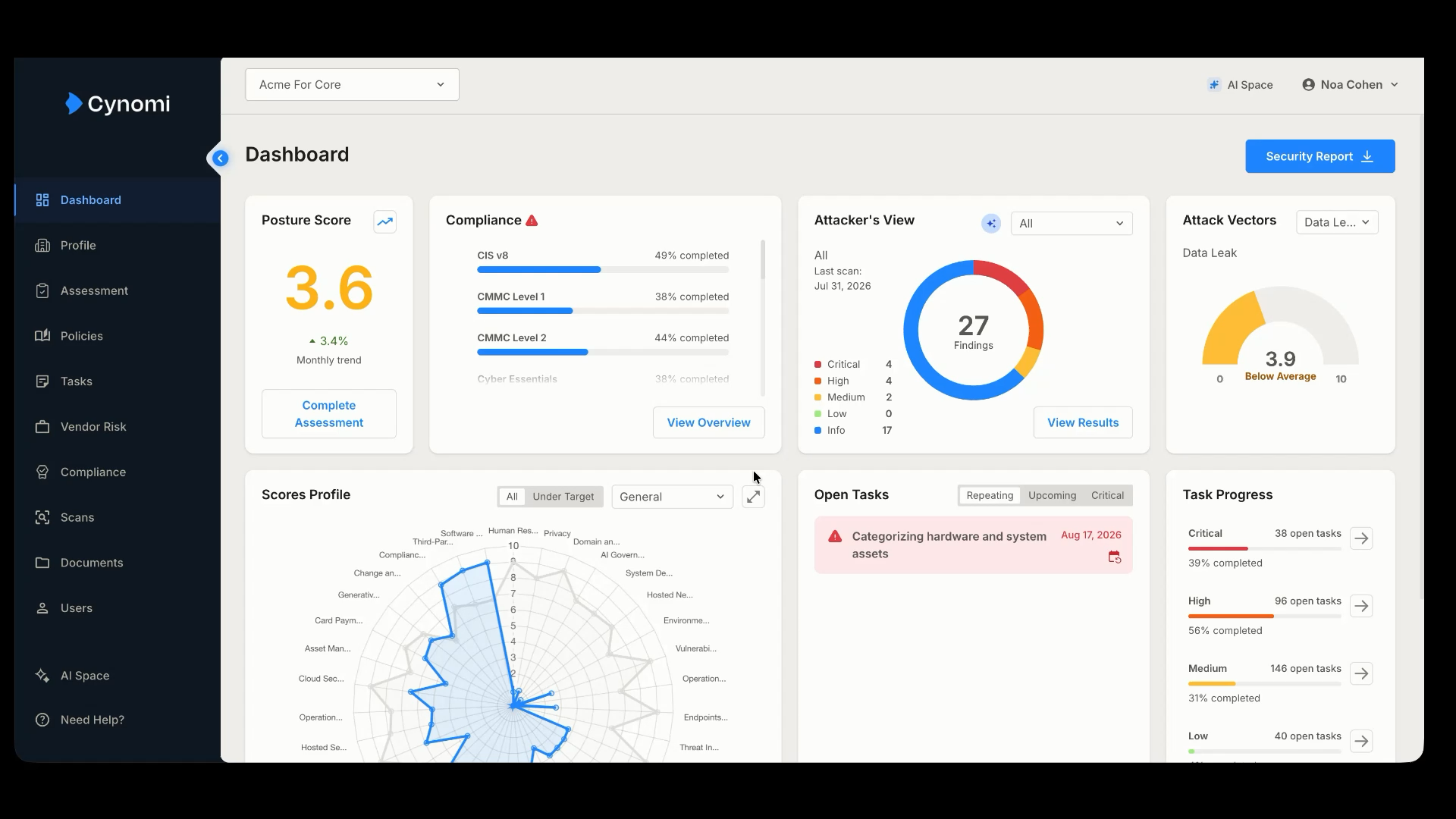
Watch SentinelOne endpoint and vulnerability data flow into Cynomi tasks in real time: coverage gaps identified, evidence attached, and task status updated automatically.
Frequently Asked Questions
Does this cover both SentinelOne EDR and Vulnerability Management?
Yes. This is one integration covering both SentinelOne Singularity Vulnerability Management and SentinelOne EDR posture data, both feed the same task plan, posture score, and compliance tracker in Cynomi.
What does the EDR side of the integration check?
It evaluates 14 posture checks across four areas: deployment and protection (EDR coverage, anti-malware currency, protect vs. detect-only mode), configuration controls (firewall, disk encryption, device control, application control), inventory and hygiene (asset/software inventory, policy exclusions, admin activity), and negative evidence (prohibited software, end-of-life systems, unmanaged devices).
How is SentinelOne vulnerability data handled?
VM findings ingest automatically, the same way findings from any other supported scanner do, and map into the same prioritized task plan and posture score as endpoint findings, no separate workflow to maintain.
How do findings connect to my task plan?
Each EDR check or VM finding links directly to the relevant Cynomi task. A single task can be evidenced by multiple checks, and task status updates automatically as SentinelOne data changes, no manual evidence upload required.
Does it adjust for different SentinelOne license tiers across my clients?
Yes. The integration is license-aware: it only surfaces the EDR checks a given client’s SentinelOne tier can actually support, so results stay consistent across a mixed client base without manual reconciliation.
What do I need to turn this on?
Your client’s devices need to be managed under a connected SentinelOne license. You can enable the integration directly in the platform under Scans – for VM or EDR – and schedule a cadence. Our support team and your Partner Account Manager are always available to assist if needed.